STEAM products for schools and labs

Authentic kits and components, quoted for your school. Add items to your quote list and we'll reply with pricing and delivery.

265 products

Filters

Clear all
Brand
Grade level

265 products

  • Grades 6–8Grades 9–12

    VEX AI Vision Sensor (V5 & EXP)

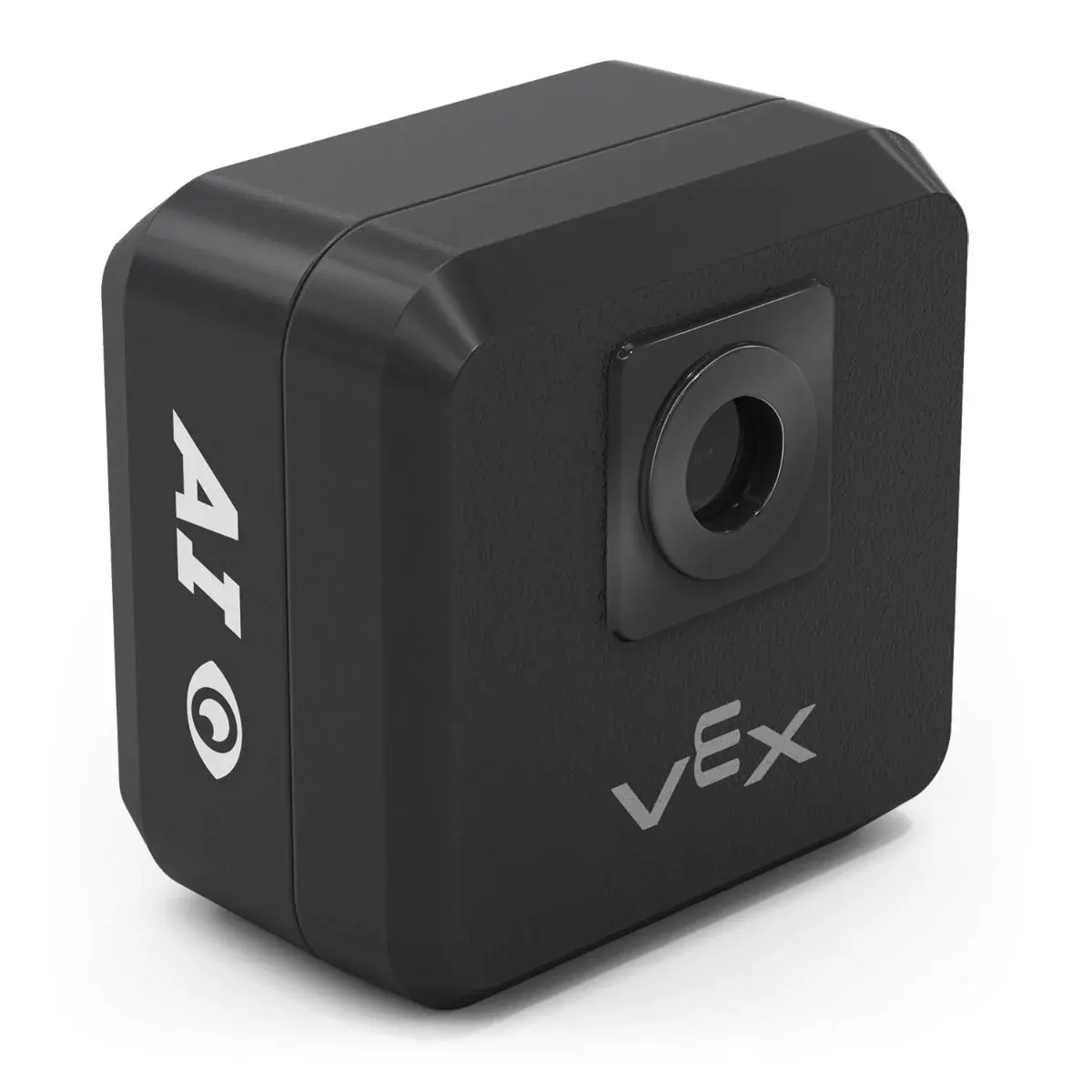
    The VEX AI Vision Sensor (276-8659) adds powerful object detection to VEX V5 and EXP robots, both in the classroom and on the competition field. It replaces the earlier VEX Vision Sensor (276-4850). The sensor can detect up to seven colors at once as color blobs, recognize color codes, identify AprilTags, and use AI to detect VEX classroom game objects such as cubes, buckyballs and rings, as well as VEX Robotics Competition game objects from the 2024-25 season onward. Printable AprilTags are available from VEX for classroom activities. It works with VEXcode V5, VEXcode EXP and the Visual Studio Code extension; color and color-code features are supported in Blocks, Python and C++, as are AI and AprilTag detection. Students can use the sensor to build robots that find, follow and sort objects or navigate by markers. The package includes the AI Vision Sensor and a 1 m USB A-C cable.

  • Grades 6–8Grades 9–12

    VEX V5 2026-27 "Override" Game Element Kit

    The 2026-27 VEX V5 Competition Override Full Game & Field Element Kit (276-9250) contains all the field and game elements required to set up Override, the game for the 2026-27 VEX V5 Robotics Competition season. It is legal for VEX V5, VEX U and VEX AI competitions, and purchasing it requires a paid VEX team registration. The kit works with both the standard Competition Field Perimeter Kit and the Portable Competition Field Perimeter. The field perimeter, foam tiles and most field element plates are not included: each field needs nine field element plates, and one is supplied in the kit. Plates from previous seasons, such as Push Back (2025-26), can be reused, otherwise VEX recommends two Field Element Plate 4-packs (276-9091) per kit. With the official layout set up at school, teams can practice driving, test mechanisms, develop strategy and build autonomous routines ahead of events. The kit has a shipping weight of about 27.2 kg.

  • Grades 4–5Grades 6–8

    VEX AIM Coding Robot

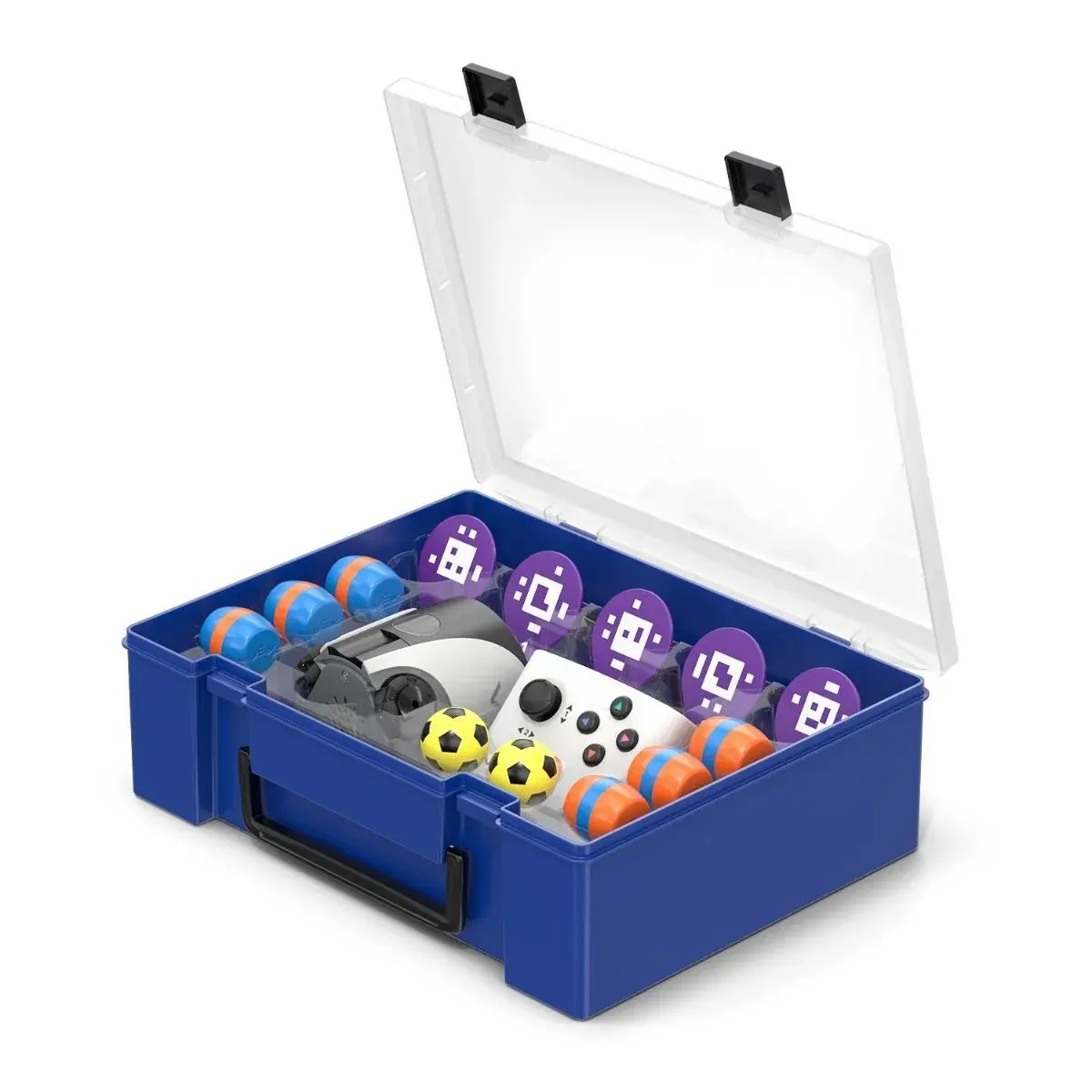
    VEX AIM is a coding robot designed for computer science education in middle and high school classrooms. It arrives ready to use, so lessons can focus on coding rather than building. With its AI Vision Sensor and omnidirectional drive, AIM can move in any direction, recognize objects and AprilTags, and kick, catch and carry items. The robot has a multilingual color touchscreen, 36 emojis, a speaker, programmable LED lights, and a gyro, accelerometer and wheel encoders for precise navigation. A kicker lets it pick up and place barrels and catch or kick the sports ball. Students can drive it with the included one-stick controller, code it with on-robot buttons, or program it with VEXcode Blocks, Switch or Python, as well as Visual Studio Code with the VEX extension. Programs download over Bluetooth or USB, and robots can communicate with each other via Bluetooth. The kit includes the AIM robot, storage case, controller, USB cable, three orange and three blue barrels, two sports balls and five AprilTag signs. An intro course, STEM Labs and an optional AIM Field support classroom use.

  • Grades 6–8Grades 9–12

    VEX AIR Coding Drone

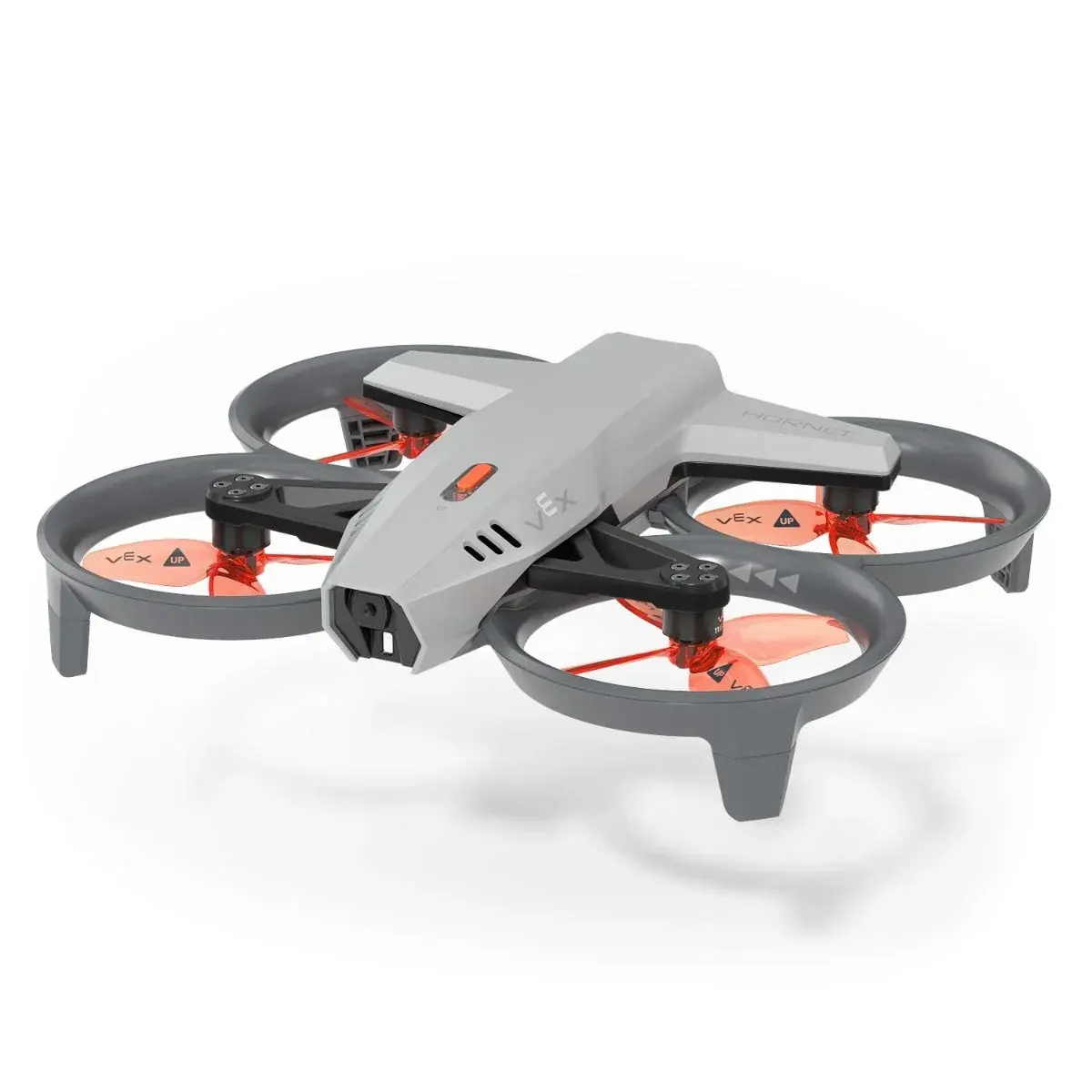
    The VEX AIR Drone is an educational drone that lets students and teachers explore robotics, technology and aeronautics in a safe, controlled setting. It is designed for indoor use only, with altitude limited to 2.5 m (8 ft), and it has permanent 360-degree propeller ducts for safety. The drone carries forward- and downward-facing cameras for first-person flight, landing, color and AprilTag detection, along with optical position stabilization, a gyroscope and accelerometer, rangefinders and forward obstacle detection. Three interchangeable mission modules attach underneath for passive, motorized and magnetic object pickup and drop-off. The controller has dual joysticks, configurable buttons and a 5-inch color screen that streams live camera video and telemetry. Both the drone and controller can be programmed with VEXcode Blocks, Switch and Python, or through the Microsoft Visual Studio Code extension, and students can practice in a flight simulator built into VEXcode AIR. The kit includes the drone, controller, three modules, high- and low-capacity batteries, a communication headset, spare propellers, cables and chargers, and is supported by STEM Labs curriculum.

  • KGGrades 1–3

    KUBO Coding Starter Set

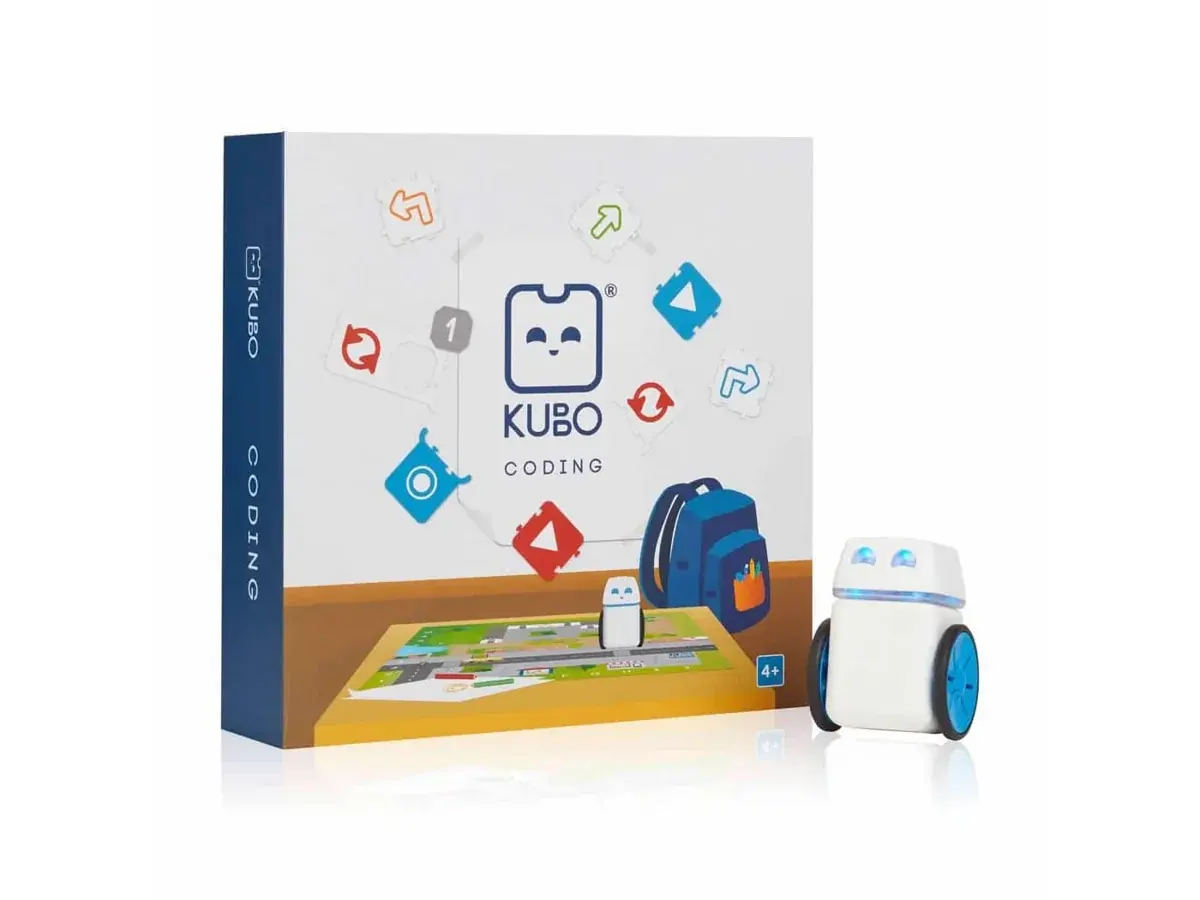
    The KUBO Coding Starter Set is the foundation of the KUBO system and introduces children aged about 4 to 10 to coding and computational thinking without screens. Students snap puzzle-like TagTiles® together to form a program, place KUBO on the sequence, and watch the robot follow the route across the activity map, with lights and sounds giving feedback. The set includes one KUBO robot, a 48 x 48 cm activity map, a micro-USB charging cable and 46 TagTiles: 14 Go Forward, 6 Go Left, 6 Go Right, 4 blue and 4 red Function (record and play) tiles, 2 Loop tiles and Parameter tiles numbered 1 to 10. Through these, learners progress from simple routes to functions, subroutines and loops. No coding experience is needed to teach with KUBO. The set comes with access to the KUBO Portal, which offers free standards-aligned curriculum, lesson plans and teacher guides aligned with ISTE, CSTA, NGSS, Common Core and TEKS, and it can be expanded with add-on TagTile sets such as Coding+.

  • KGGrades 1–3

    KUBO Coding+ Set

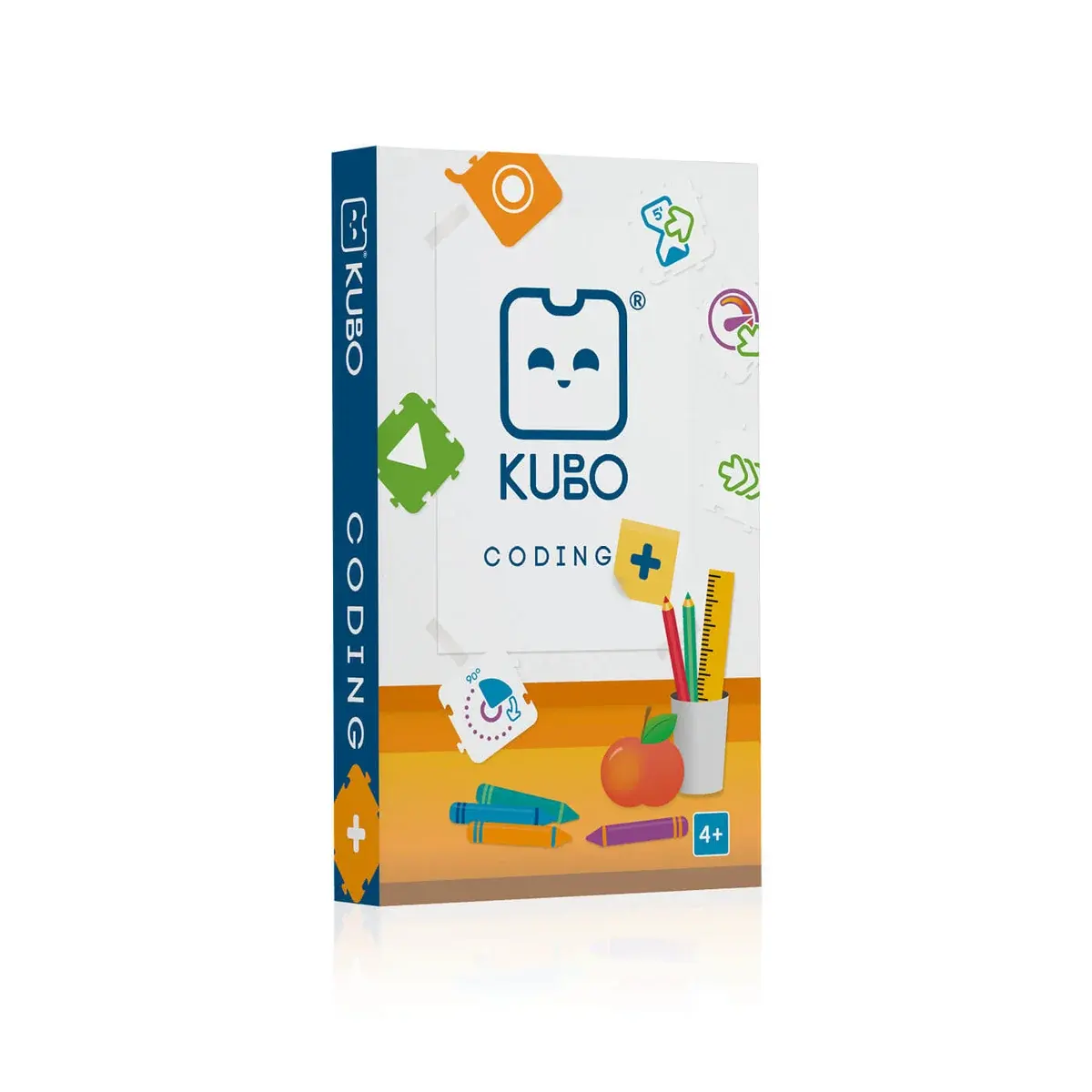
    The KUBO Coding+ Set is an expansion for classrooms that have mastered the KUBO Coding Starter Set. It adds 36 new TagTiles® that introduce the dimensions of time, distance, speed and direction, so students can decide how far, how fast and for how long KUBO moves. The tiles include Wait tiles for 2, 5 and 10 seconds; Slow, Medium and High Speed tiles; Go Forward tiles for 2x, 3x and 4x distances; 90-degree turns to the left and right and 180-degree turns; Go Back and U-turn tiles; and additional Function tiles designed for teamwork and group challenges. Working with these tiles, students build longer and more precise algorithms and become more confident using functions, subroutines and loops. The set requires a KUBO Coding Starter Set, which provides the robot and map. It comes with access to the KUBO Portal, where teachers find free lesson plans and guides aligned with ISTE, CSTA, NGSS, Common Core and TEKS, and no prior coding experience is needed.

  • KGGrades 1–3

    KUBO Coding++ Set

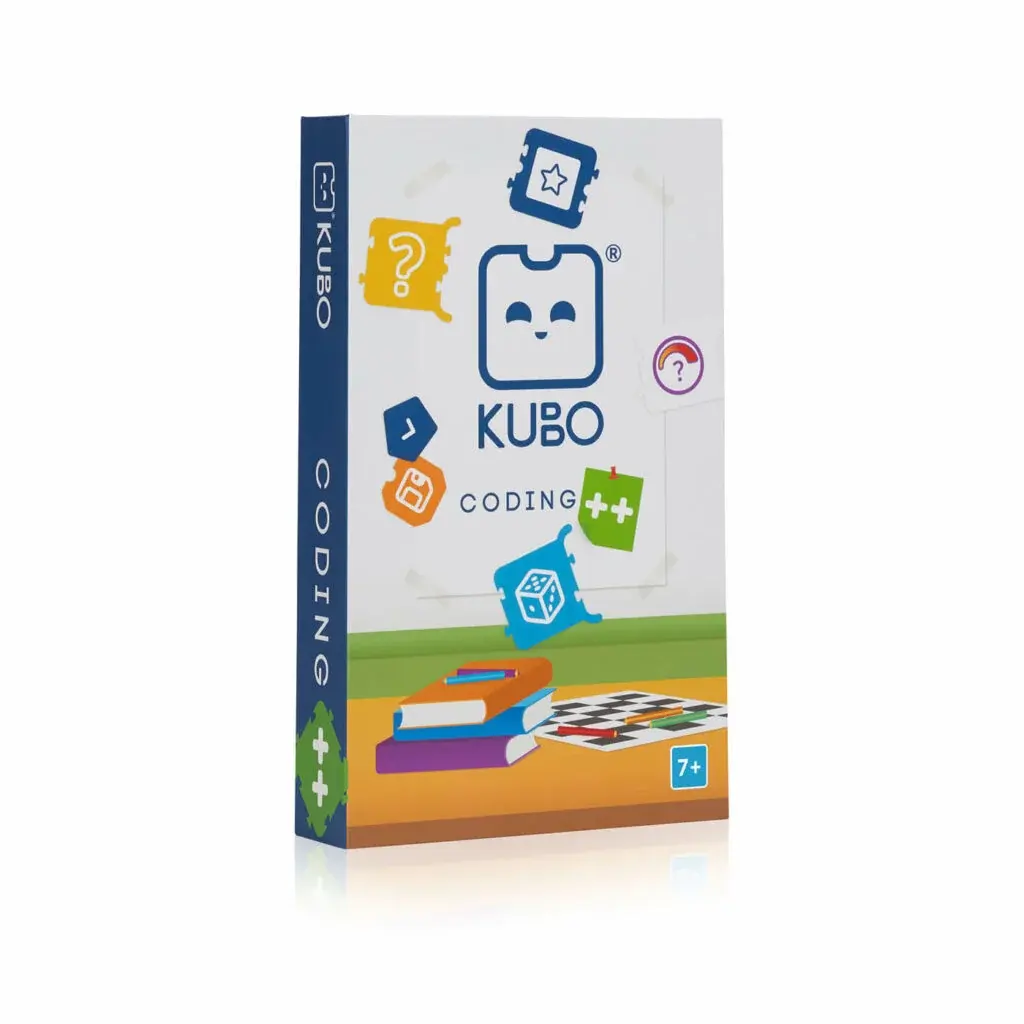
    The KUBO Coding++ Set is an add-on for students who have mastered the basics with KUBO and are ready for more advanced computer science ideas. Using the same puzzle-like TagTiles, learners build programs that respond to events, store and change values in variables, and make decisions with if/else conditions, all without a screen. The set contains 44 TagTiles, including variable tiles and operators (equal to, add to, subtract from), greater-than and less-than comparisons, start/end if tiles, true/false tiles, event tiles, 15-degree turn tiles, speed tiles, random and modulator tiles. Students lay the tiles out in sequence, the KUBO robot reads them, and the class immediately sees whether the logic works. The Coding++ Set requires the KUBO Coding Starter Set, which provides the robot and map. Teachers get free access to the KUBO Portal with standards-aligned curriculum materials and onboarding, making it straightforward to extend an existing KUBO program into upper primary grades.

  • KGGrades 1–3

    KUBO Coding Math Set

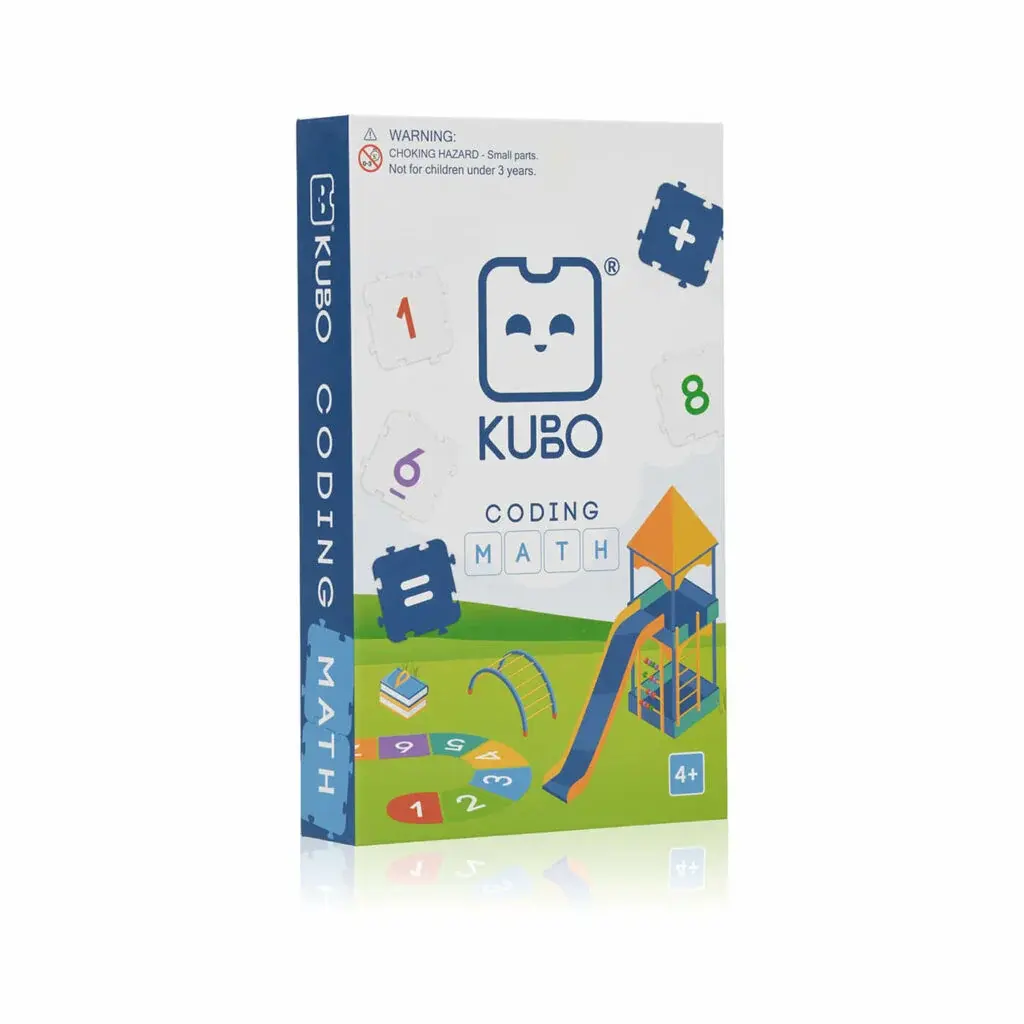
    The KUBO Coding Math Set lets teachers cover mathematics and coding in the same lesson. It adds a dedicated group of TagTiles to the KUBO system so that the robot's routes and challenges become math problems, while the robot and the classroom routine stay the same. The pack contains 50 Math TagTiles (33 numbers, 11 operators, 5 game tiles and a game activator tile), three themed challenge maps and more than 200 task cards. Activities address counting, cardinality, operations and algebraic thinking, so pupils practise number skills while planning and testing their programs. The set is fully screen-free and is designed to be paired with the KUBO Coding Starter Set, which supplies the robot and base map. Schools also receive free access to the KUBO Portal, which provides standards-aligned curriculum resources, onboarding and teacher training, and no previous coding experience is needed to get started.

  • KGGrades 1–3

    Tale-Bot Pro Screenless Coding Robot

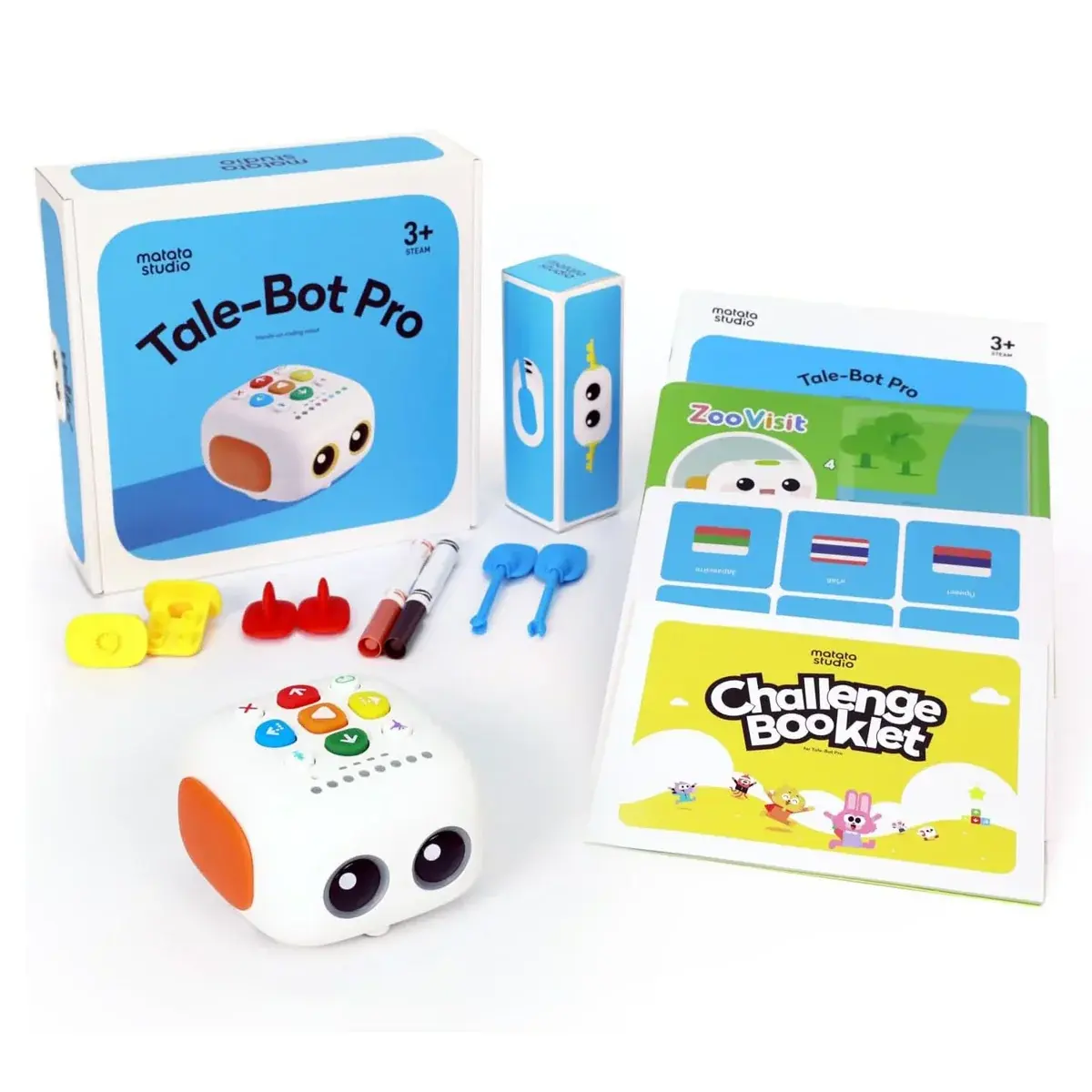
    Tale-Bot Pro is a screen-free coding robot designed for preschool and early primary classrooms. Children choose a goal on the map, plan the path, then press the colourful command buttons on the robot to enter each step before pressing play to watch it run. A Clear button removes the last command, so mistakes become quick debugging practice. Beyond movement, the robot can draw with markers, sing, dance and play back short voice recordings, which makes it well suited to storytelling and cross-curricular activities. Colour-coded indicators help children follow where they are in a program, and sequences, loops and cause-and-effect are introduced through play. The box includes the robot, a double-sided map (interactive and blank), two washable markers, six accessories such as wings and arms, a challenge booklet, a configuration card, a USB-C cable and a user guide. The rechargeable 1500 mAh battery runs for four hours or more, and the body is made from durable, eco-friendly ABS.

  • KGGrades 1–3

    Tale-Bot Pro Classroom Set – 6 robots

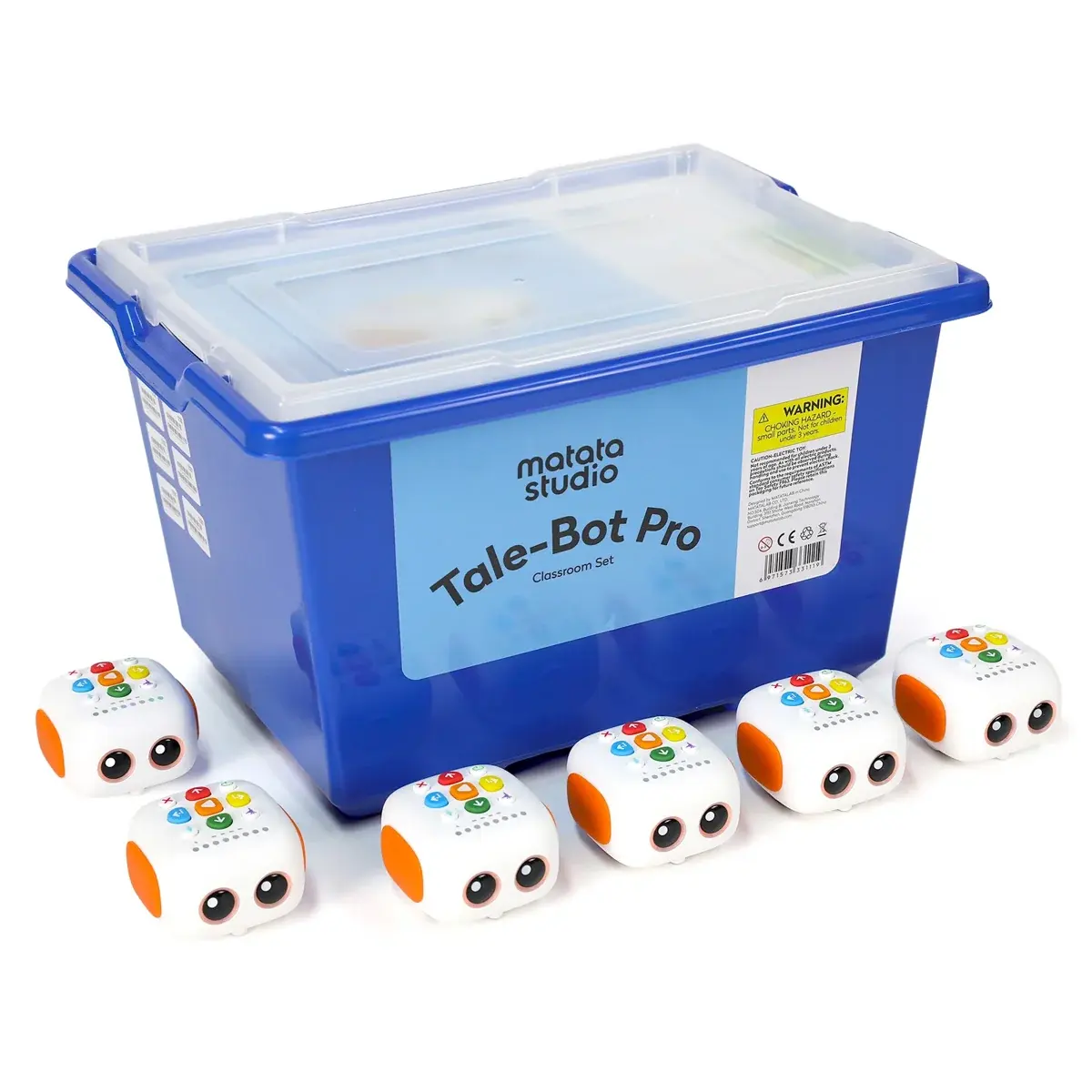
    The Tale-Bot Pro Classroom Set brings six Tale-Bot Pro robots together so that a whole class can code at once in pairs or small groups. Each robot is programmed by pressing the coloured command buttons on its back, with no tablet or computer required, which keeps young learners focused on planning, testing and fixing their sequences. The robots can move, draw shapes, dance with six preset moves, sing and play back custom voice recordings of up to 30 seconds per command. They are compatible with standard LEGO bricks for decoration and storytelling, and the included interactive maps and activity cards link coding to language, math and storytelling challenges. The set is designed for collaborative stations and guided group activities. Each robot uses a rechargeable 1500 mAh battery that charges in about 2.5 hours and runs for four hours or more. An optional MatataCode app is available for teachers who want to extend activities further.

  • KGGrades 1–3

    Tale-Bot Pro Activity Box

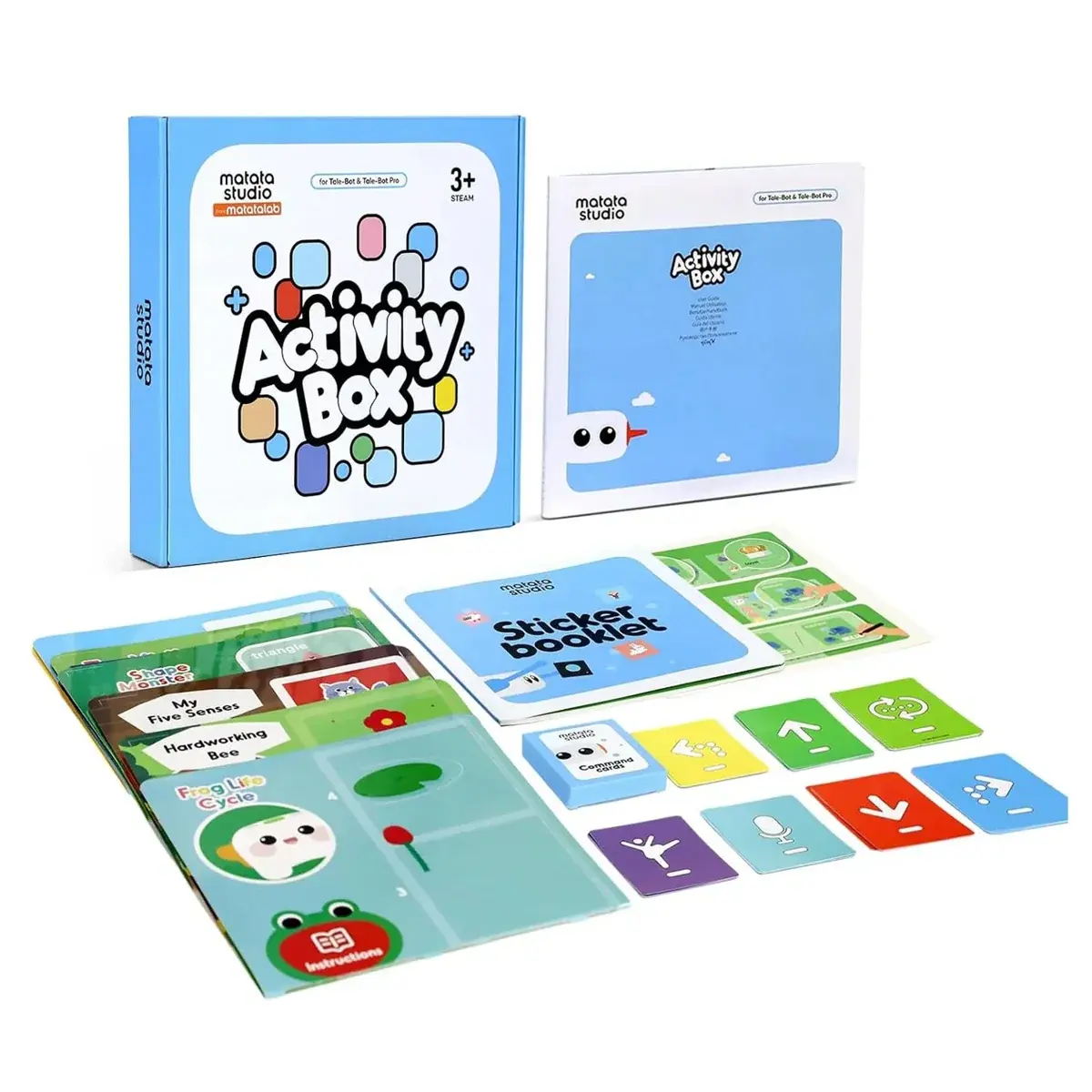
    The Tale-Bot Pro Activity Box is an accessory that turns Tale-Bot Pro coding sessions into themed, cross-curricular lessons. Its maps use OID technology that the robot recognises, so as Tale-Bot Pro travels across them it gives real-time voice feedback, plays sounds or carries out actions when it passes over specific spots and stickers. The box contains 10 interactive maps designed for learning to code, together with a blank map and a wide selection of interactive stickers. The themes connect programming with science, English language arts, social studies, math, social-emotional learning and the arts. Because children can place objects, cards and stickers freely, they can also design their own scenes and coding challenges instead of only following ready-made ones. The Activity Box is made to be used with the Tale-Bot Pro robot, which is sold separately, and works well as a learning-centre resource in early years and lower primary classrooms.

  • KGGrades 1–3

    Coding Set Pro – Screenless Coding Robot

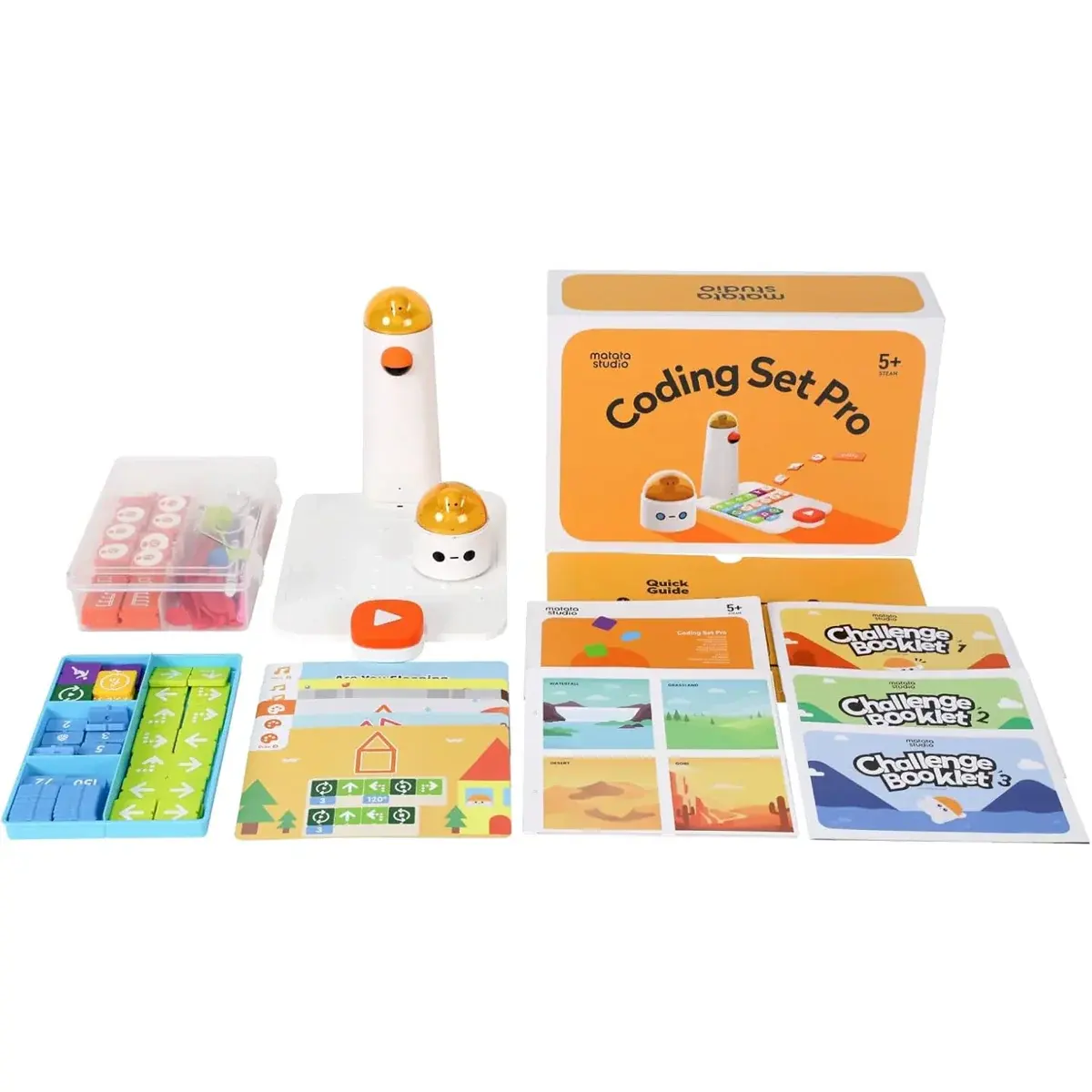
    The Coding Set Pro is a hands-on coding kit in which children build programs from physical, icon-based blocks rather than on a screen. Blocks are placed on the Control Board, the Command Tower reads the sequence and sends it to MatataBot, and the robot carries it out on the map so students can test and debug their ideas straight away. The set covers sequencing, loops, functions and pattern recognition, and extends coding into geometry, drawing with programmed angles, music composition and storytelling. It includes MatataBot, the Command Tower, Control Board, a double-sided map, movement, loop, function and number blocks, angle and music blocks, obstacles and flags, three challenge booklets and warm-up cards for art and music. MatataBot and the tower are rechargeable via USB-C and run for about four to six hours. Optional add-ons such as the Musician, Artist, Sensor and Animation packs can expand the kit as students progress.

Need a full classroom or lab?

We build bundles for 24–30 students with storage and charging, and can install and train your teachers.

Talk to us